Twitch Banner Maker
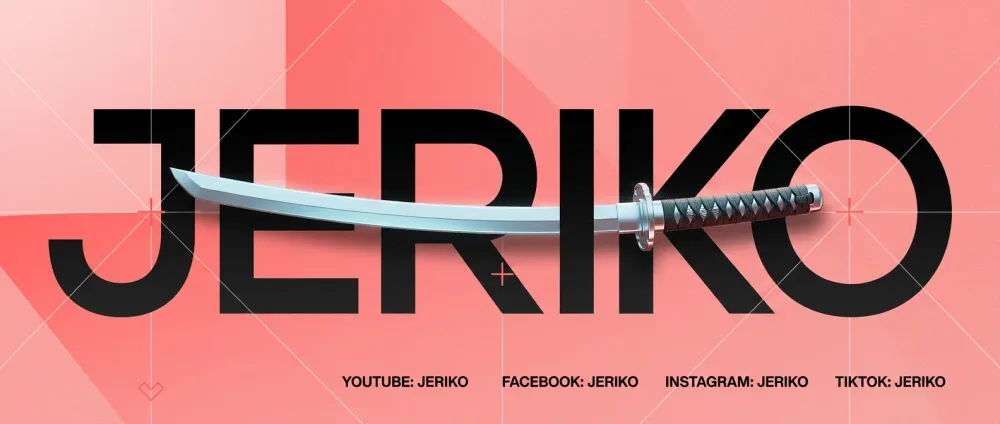
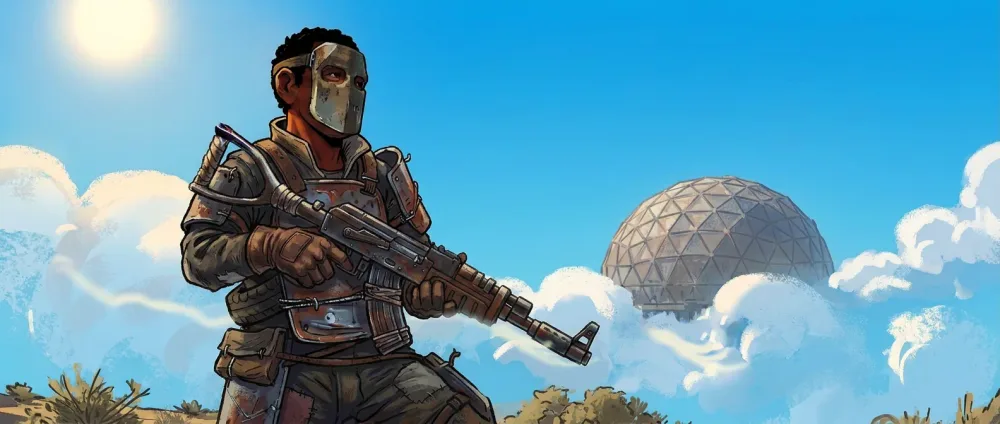
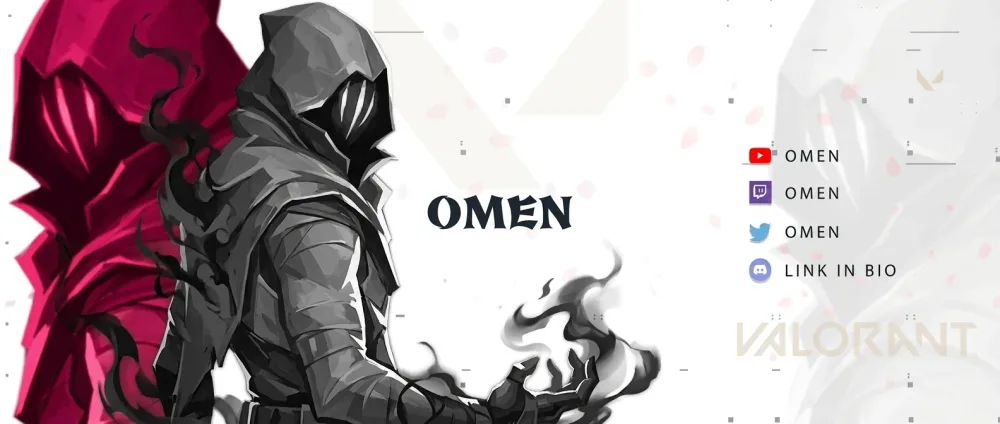
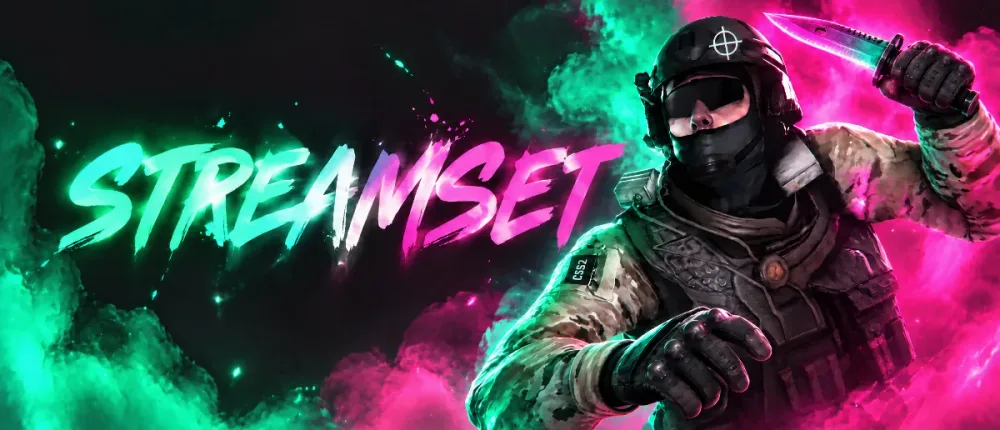
A custom 1200×480 channel banner that matches your logo.
Your Twitch banner sits across the top of your channel page and is the first thing a new viewer sees after clicking your name. A strong banner tells them who you are, what you stream and when, in a second.
Streamset designs your banner from a reference image you like, or from your own logo, so the colours, lettering and mood match the rest of your channel. It's exported at Twitch's recommended 1200×480 and composed so your name and character survive the crop on phones and desktop.
How it works
Pick your banner
Choose the Channel Banner on its own or as part of the Complete Pack.
Attach a reference
Upload a banner style you love. With no reference, your logo is used so the banner matches it.
Generate and export
Describe what you want, refine it in the studio chat, and export at 1200×480.
- Twitch profile banner
- 1200×480 recommended
- Aspect ratio
- 2.5:1
- Streamset export
- 1200×480 PNG
Tips
- Keep the middle clear
- Twitch crops banners differently on desktop and mobile. Keep your name and character near the centre and away from the edges.
- Say what you stream
- A game name, a schedule or a tagline turns a nice picture into a reason to follow.
- Match your logo
- Reuse your logo's colours and lettering so the banner, avatar and panels look like one channel.
Questions
What size is a Twitch banner?
Twitch recommends 1200×480 for the profile banner. Streamset exports banners at exactly that size.
Why should I attach a reference image?
Banners vary a lot in style. A reference you like tells the AI exactly the look you want; without one, we use your logo so the banner at least matches your brand.
Can I edit the banner after it's generated?
Yes. Describe changes in the studio chat ('make the text bigger', 'more purple') and generate a new version. Each pack includes prompts for revisions.
Can our team design it for me instead?
Yes. The Expert option has our designers make and curate your banner and deliver it within 24-48 hours.